
To Take a Measurement, Open the viewer and navigate to the inspection you're working on.
Click on either a new point measurement or a linear measurement. When you are over the button it will highlight blue.
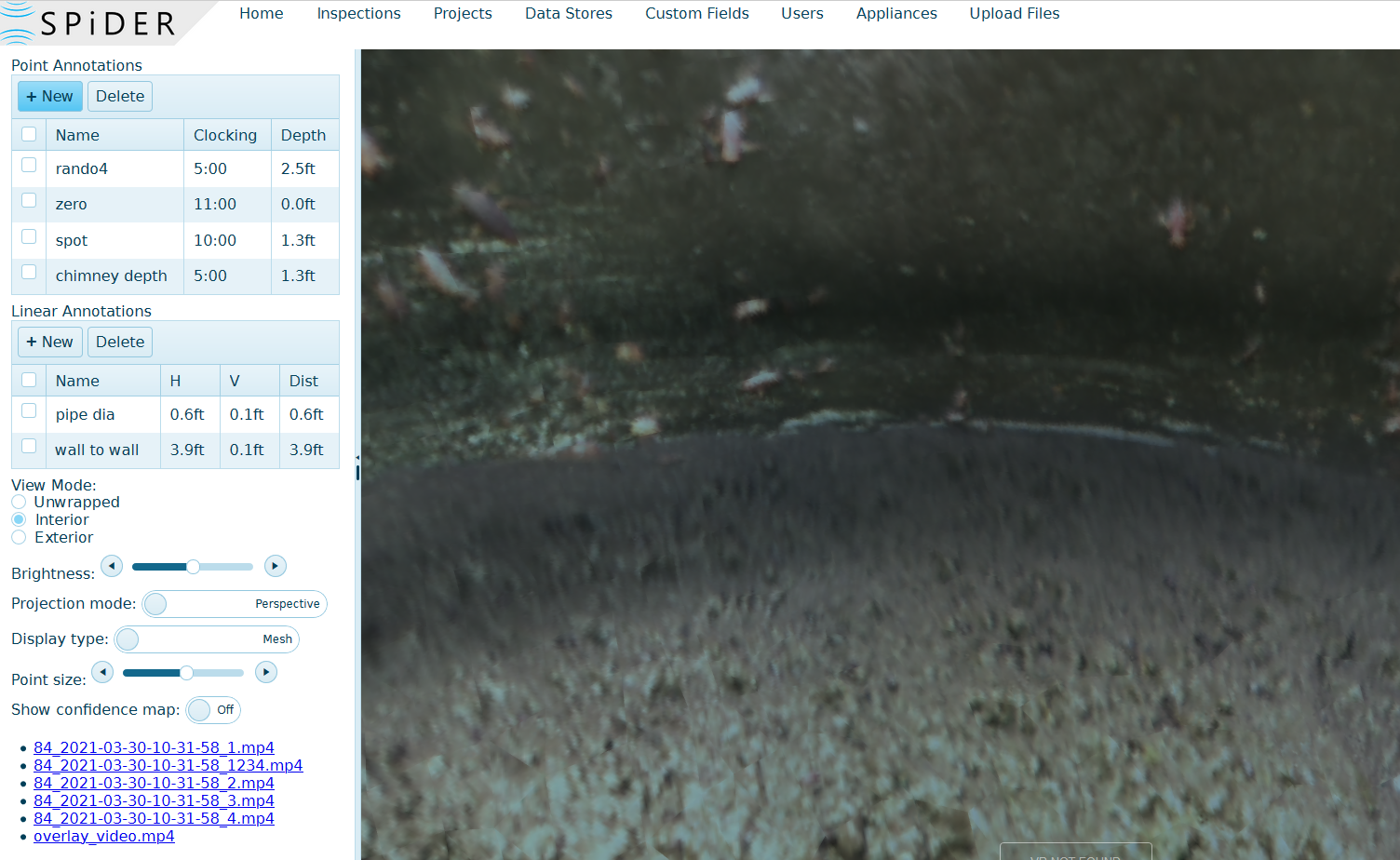
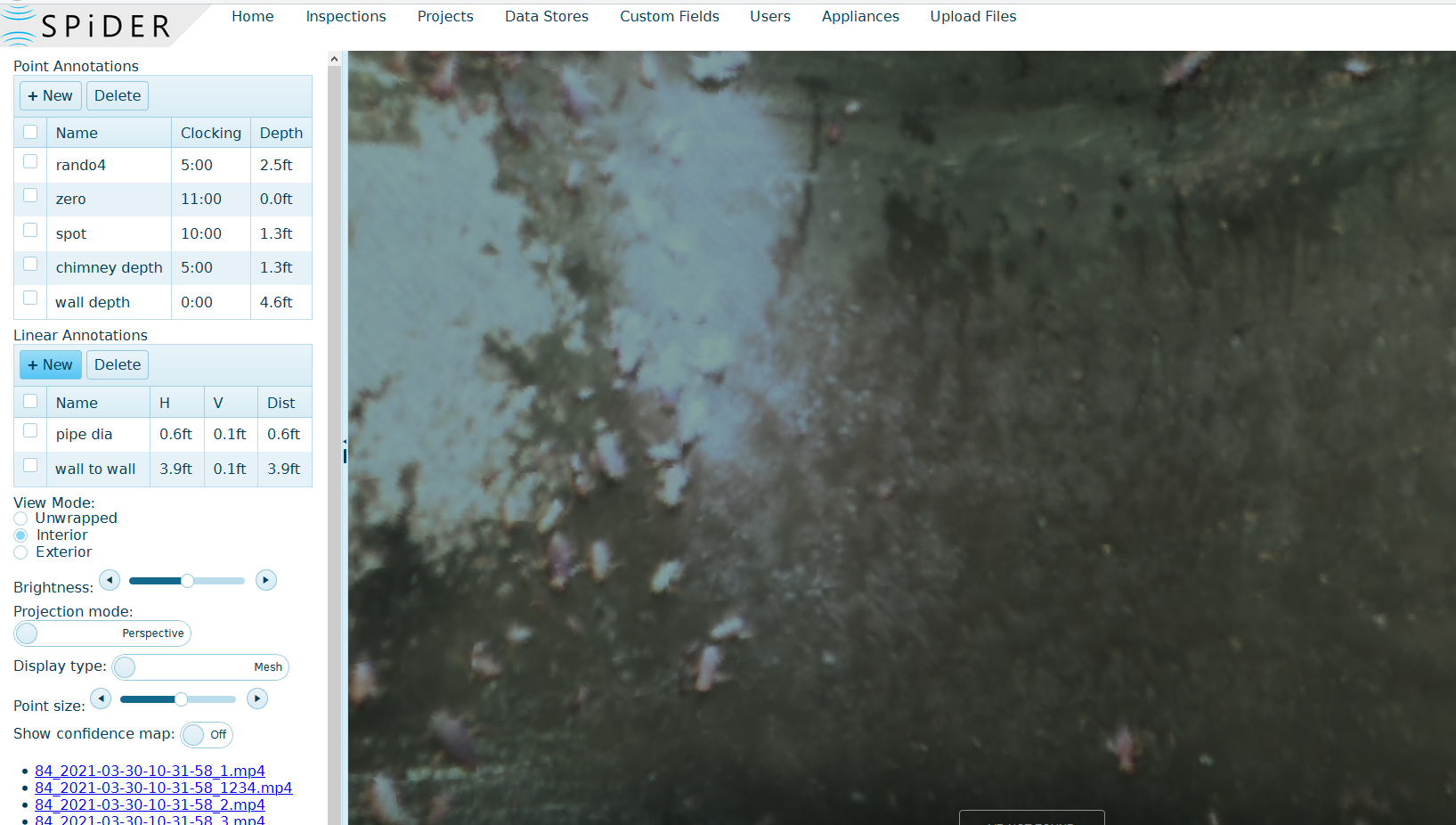
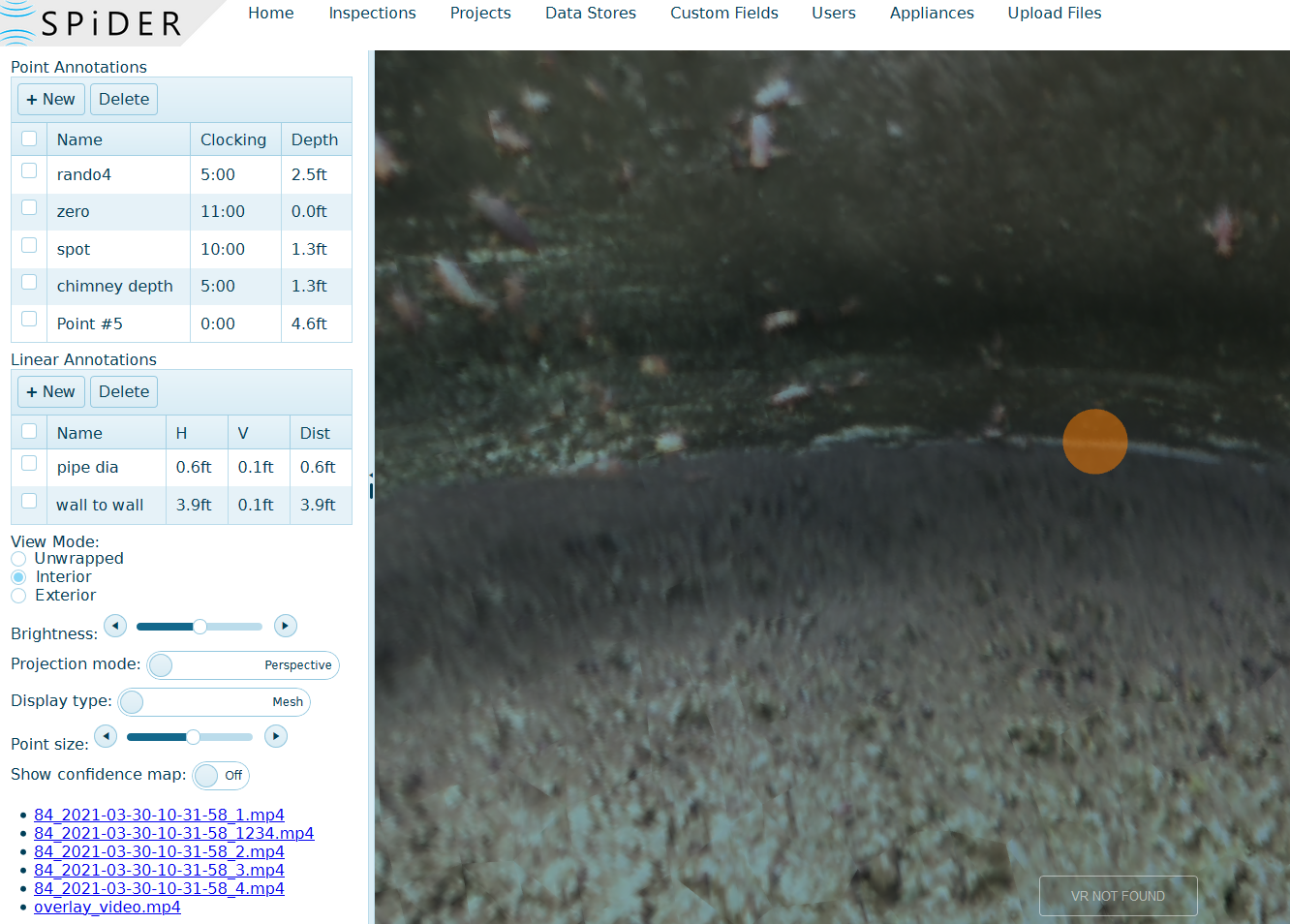
For a point measurement, double click on the scan where you want the point identified.
For a Linear measurement, double click where you want the measurement to begin, then double click where you want it to end.
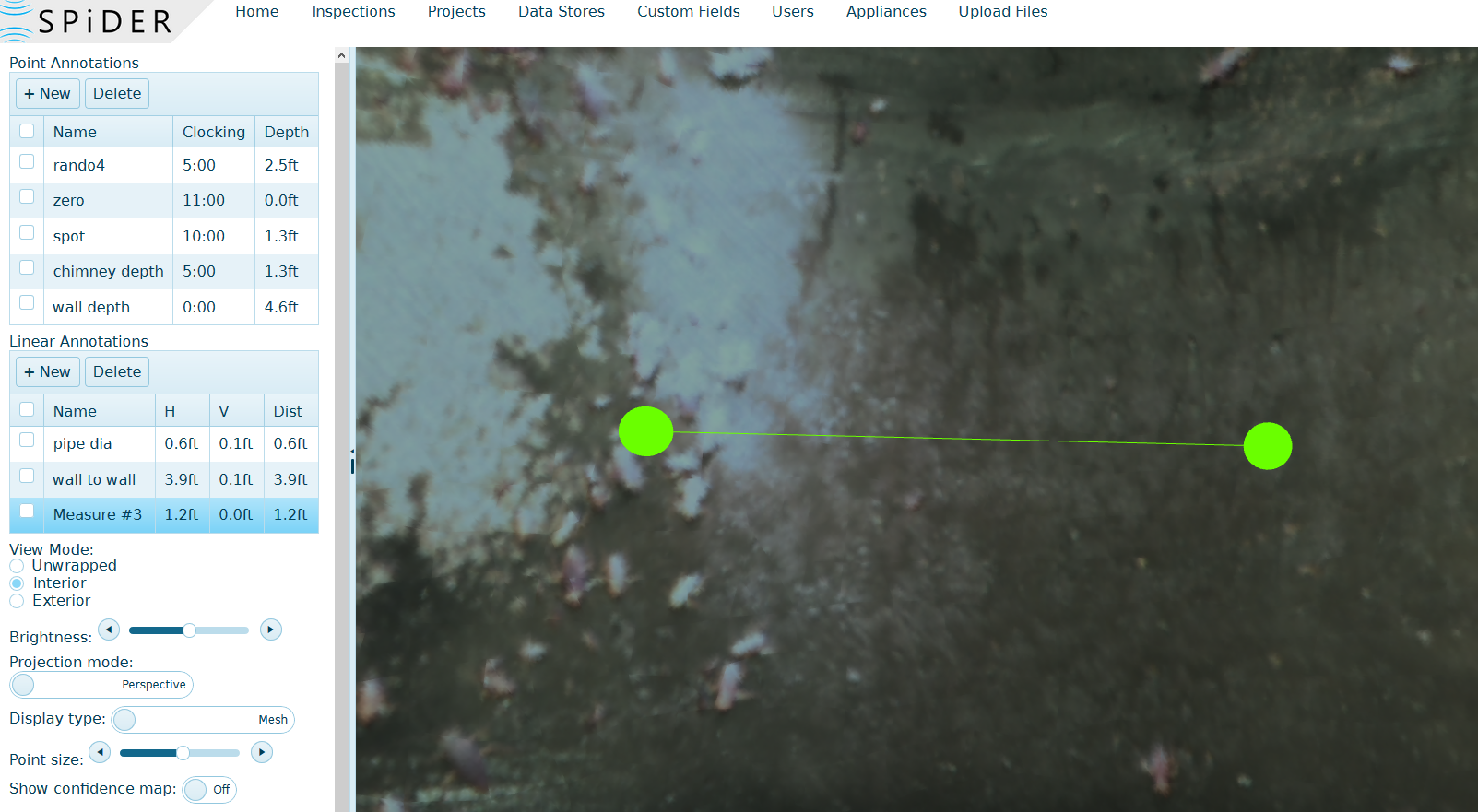
When you hover over either of the types of measurements in the menu, the point in the manhole will highlight the point allowing you to quickly see where the point is.
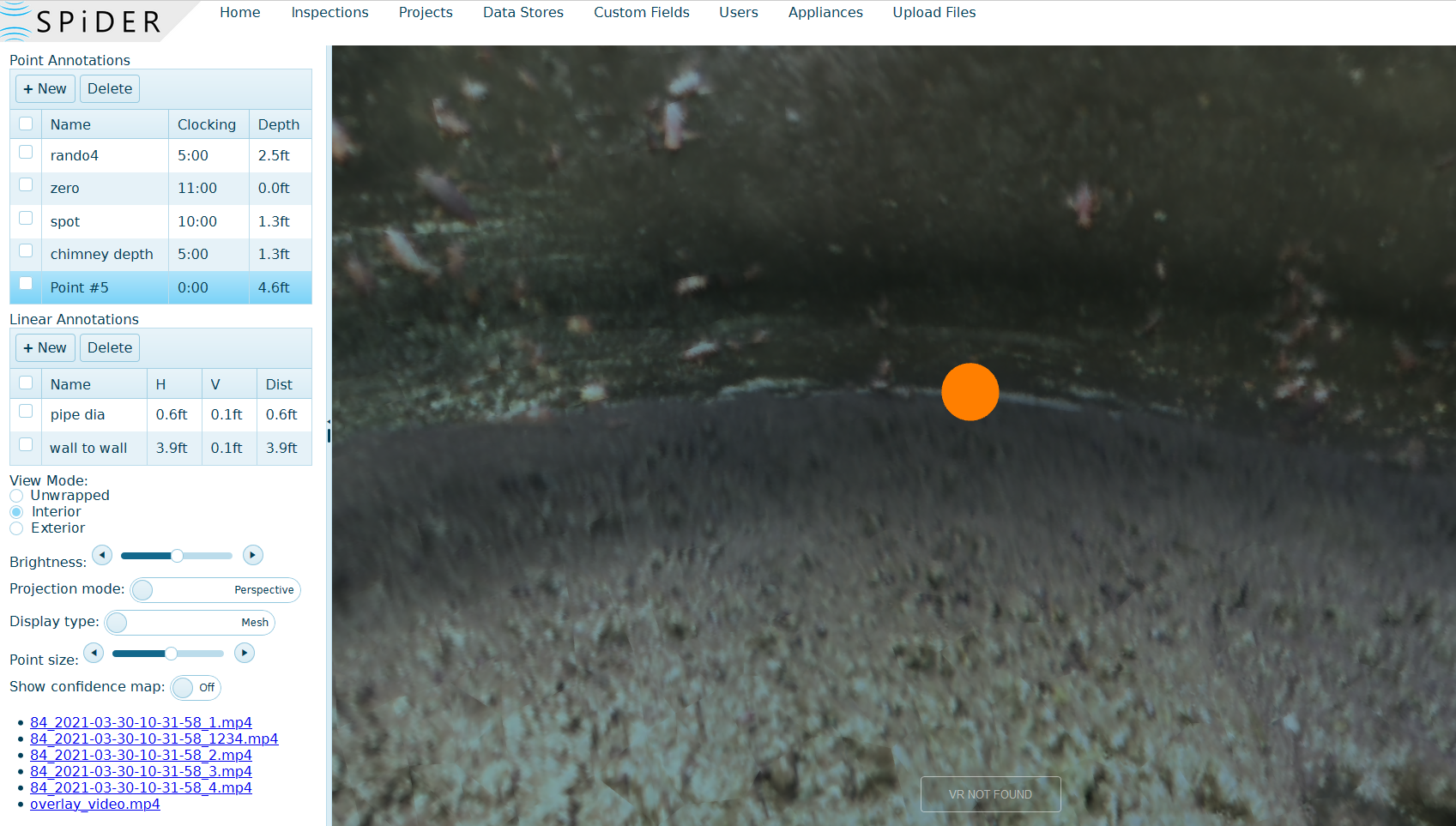
Double clicking on the point in the menu will allow you to edit information about it.
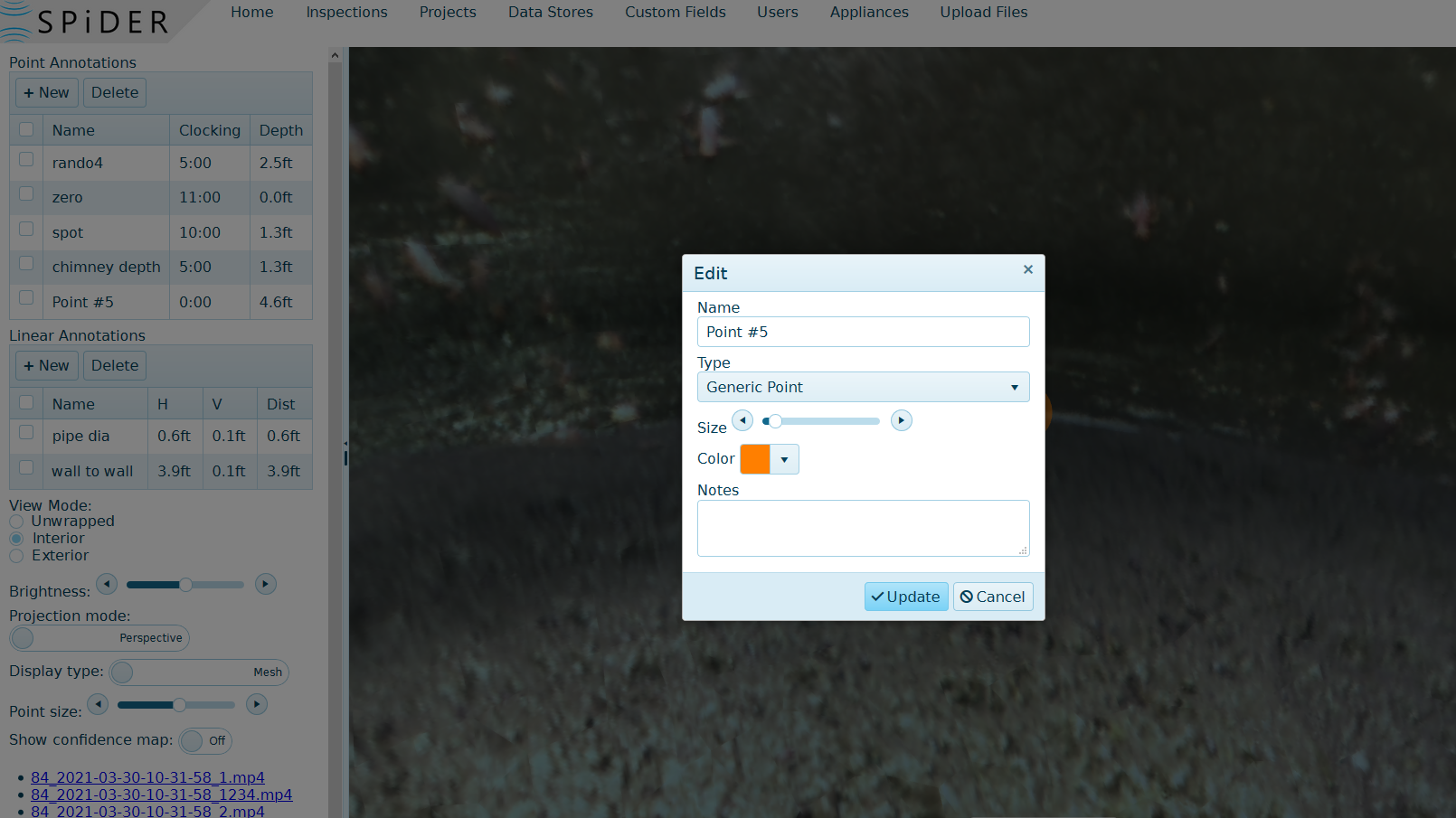
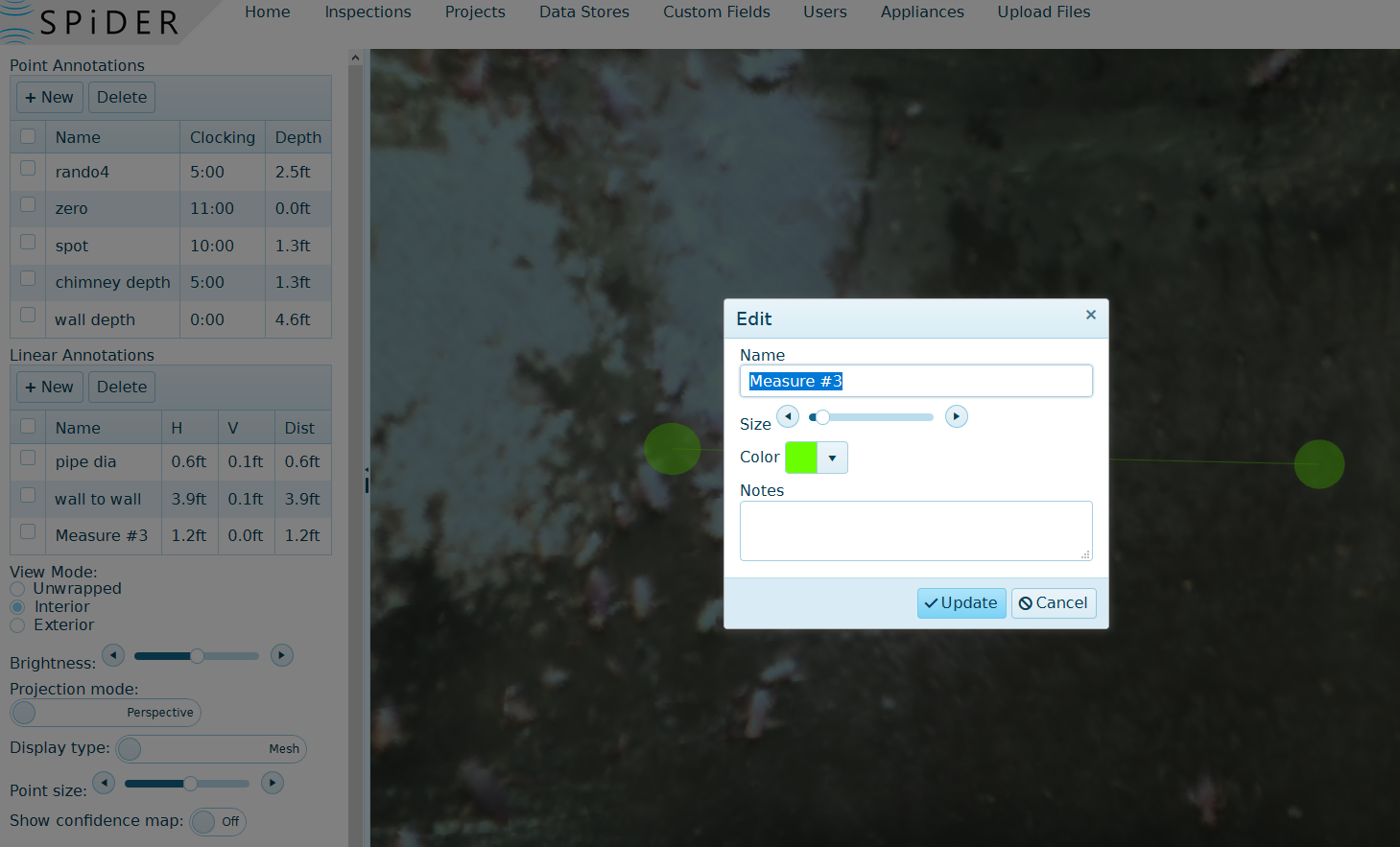
Once you are through editing the information clicking update will save the information you entered.
Comments
0 comments
Article is closed for comments.